Artwork Guidelines
Follow these artwork specifications to ensure your packaging design prints perfectly with the highest quality.


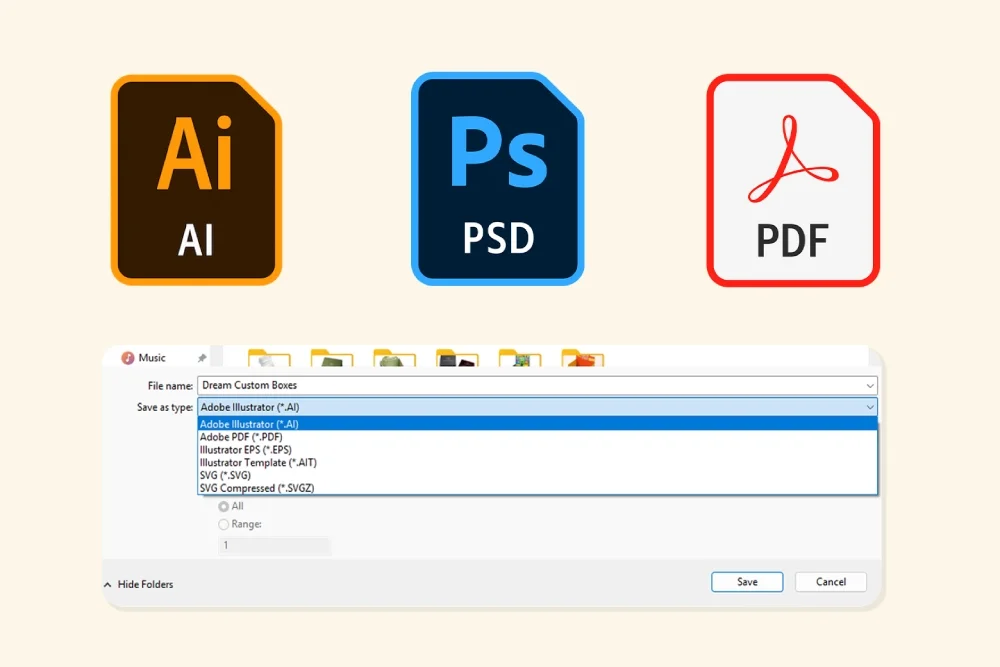
File formats
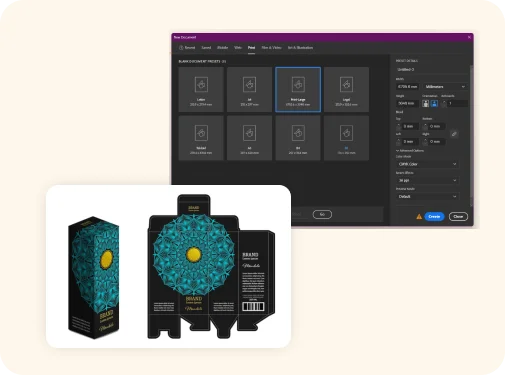
For optimal results, please submit your artwork in vector-based format (AI or PDF). You can use Adobe Illustrator or Canva to create your artwork files. Please consult with our design support before further processing.
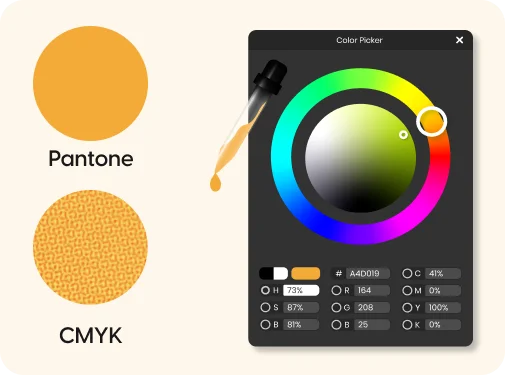
Colors Profile
We use two color modes, CMYK and PMS.
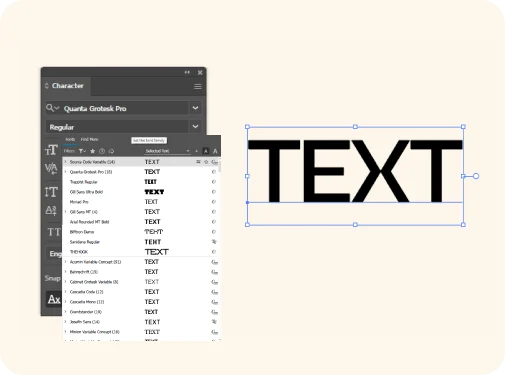
Fonts and Text
When designing your artwork, one thing that should be clear is Text. To make your Text readable and printable while keeping the font size 9. Also, keep in mind that cursive style font does not always look sharp on the packaging, which is why when selecting a font, put legibility first.
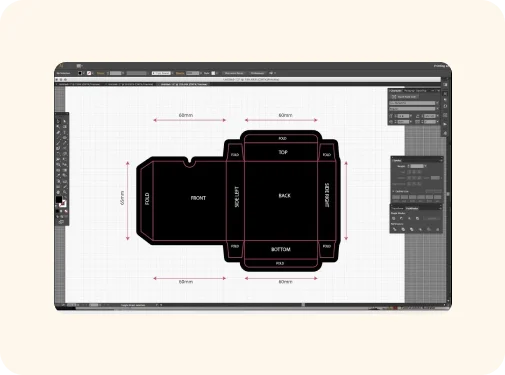
Dielines and Templates
Each dieline template includes:
Resolution Requirements
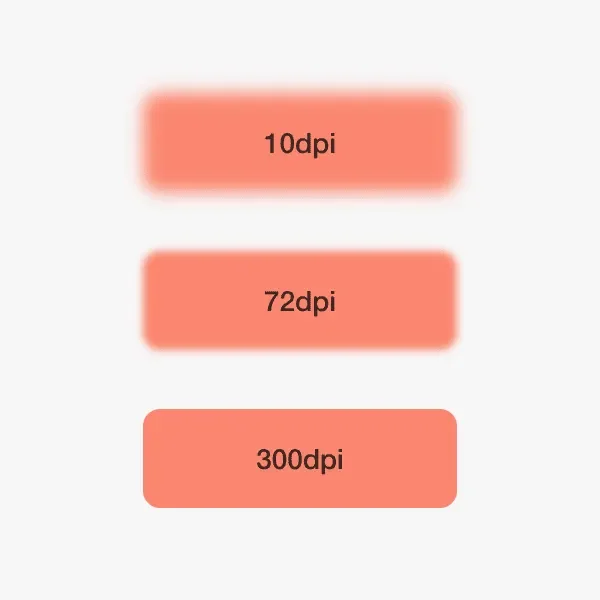
Ensure all the images and graphics have a minimum resolution of 300 DPI (dots per inch). This high resolution ensures that your artwork appears sharp and professional in the final product. Lower resolutions may result in pixelation and low image quality.
Images & Graphics
To get optimum printing quality
Still have questions?
Our packaging experts are ready to help you with any specific questions about materials, design, regulations, or your unique packaging needs.
Contact Our Packaging Experts